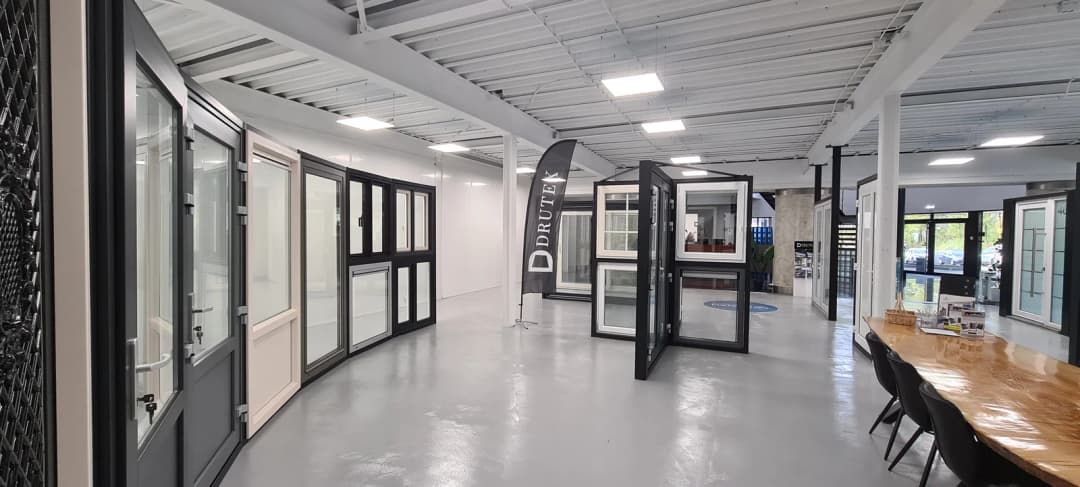
Choosing a door means working through dimensions, design and individual options. Jan is configured to support that process through product information and a connection to the webshop. This story looks at the approach and the assistant’s role in helping visitors choose.
Preparing your own application? Define your AI assistant’s task and boundaries and prepare the knowledge behind its answers. Your own platform setup needs a separate integration review.
01
Choosing a door involves more than one question
Deurwebshop presents doors that visitors can compare and configure to measure. Someone looking for a new door may start with colour or appearance. As the choice becomes more specific, other questions follow: which version suits the opening, what layout is needed and which options belong to the selected model? Each answer can lead to another decision.
Advice needs to keep up with that process. A link to a product page may be a helpful start, but a visitor can also need support halfway through a configuration. At that point, the useful answer connects to choices already made. Asking the visitor to start their search again would lose the context that makes the question meaningful.
Jan has a defined role within this experience: a Dutch-speaking door advisor configured to help visitors choose, compare and configure. The setup connects explanations with the webshop’s available functions. It is a recent implementation. The capabilities described here were checked in the configuration and should not be read as the results of a long-term performance study.
02
Understand the question before searching for the product
A focused question gives the conversation a useful starting point. Is the visitor choosing a door for a particular use? Have they already selected a model? Do they want to compare options or continue configuring? The intended workflow does not send every question straight to the configurator. Jan can first help clarify what the visitor is trying to achieve.
When the relevant functions are available, the connected shop can provide product information. Concrete products and available options need to stay connected. The configuration directs the assistant to use dimensions and choices from the available data. An option that sounds reasonable is not necessarily one that can be selected for a particular door.
For current product choices, the shop connection can matter. The available knowledge and the functions accessible in the current session together determine what the assistant can support with evidence. Keep product information current and check that advice matches the available options.
03
A next step that connects to the shopping experience
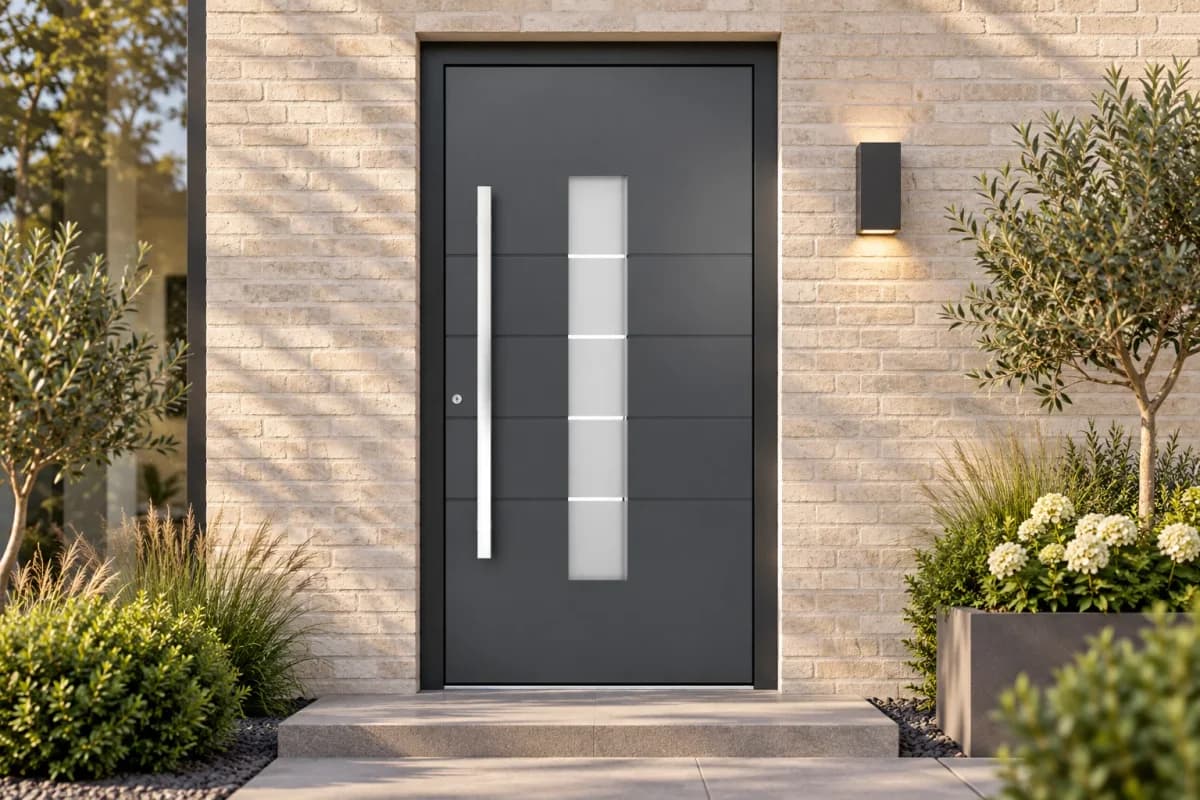
Consider a visitor who knows the type of door they want but needs help selecting a version. The intended workflow is to clarify that choice, retrieve a relevant product and check the options available for it. The conversation can then connect to a configuration. This illustrates the setup; it is not a report of a particular customer conversation.
The connection also matters when a question concerns a visitor’s own cart or project. Jan is configured to check which actions the website offers for that session before acting. Without the connection, he should not invent the current cart contents or claim a change has succeeded. Explaining an action and completing it are different responsibilities.
Explicit visitor consent is part of the configuration for cart changes. The customer keeps control over the choice being made. Completing a final order or making a payment independently is outside this role. The assistant can therefore support a practical stage of the buying process while maintaining clear boundaries around actions that have consequences.
04
Developing the assistant around real choices
With made-to-measure products, the quality of a conversation often depends on small details. Does the visitor understand an option? Does the explanation fit the selected model? Is the next step clear? These are useful questions for reviewing the first conversations. They connect improvement to the actual shopping process, rather than simply to the number of answers sent.
Jan’s setup also shows why each business benefits from defining its assistant’s role. Robby at MartijnKozijn is configured mainly to explain and guide. Jan is configured around door choices and functions in the shop itself. Differences in knowledge, tone and available actions follow from the task the visitor is trying to complete.
For other webshops, the practical starting point is specific: choose the process where visitors need help, connect the relevant product data and keep the visitor involved in each change. Deurwebshop is at the beginning of that development with Jan. The team can refine the setup around visitors’ questions and choices.
Business information and imagery: Deurwebshop ↗
Prepare your own product-advice flow with explicit options and consent. ↗