Listen
Capture the page and question
Corthex reads the visitor's current context, conversation history, and selected assistant rules before it answers.
RAG
source-grounded replies
Live
staff handoff
API
widget and webhooks
Free
during development
Answer path
The assistant listens to context, grounds the response in source material, then chooses the right outcome: answer, escalate, or capture the details needed for follow-up.
Corthex reads the visitor's current context, conversation history, and selected assistant rules before it answers.
Hybrid retrieval ranks documents, URLs, product details, policies, and approved knowledge by relevance.
The assistant responds with controlled context or routes the moment to staff when a person should step in.
Product depth
Upload PDFs, DOCX, CSV/TSV, Excel, XML, JSON, text, Markdown, or connect URLs. Table headers and rows stay intact so answers remain tied to the source data.
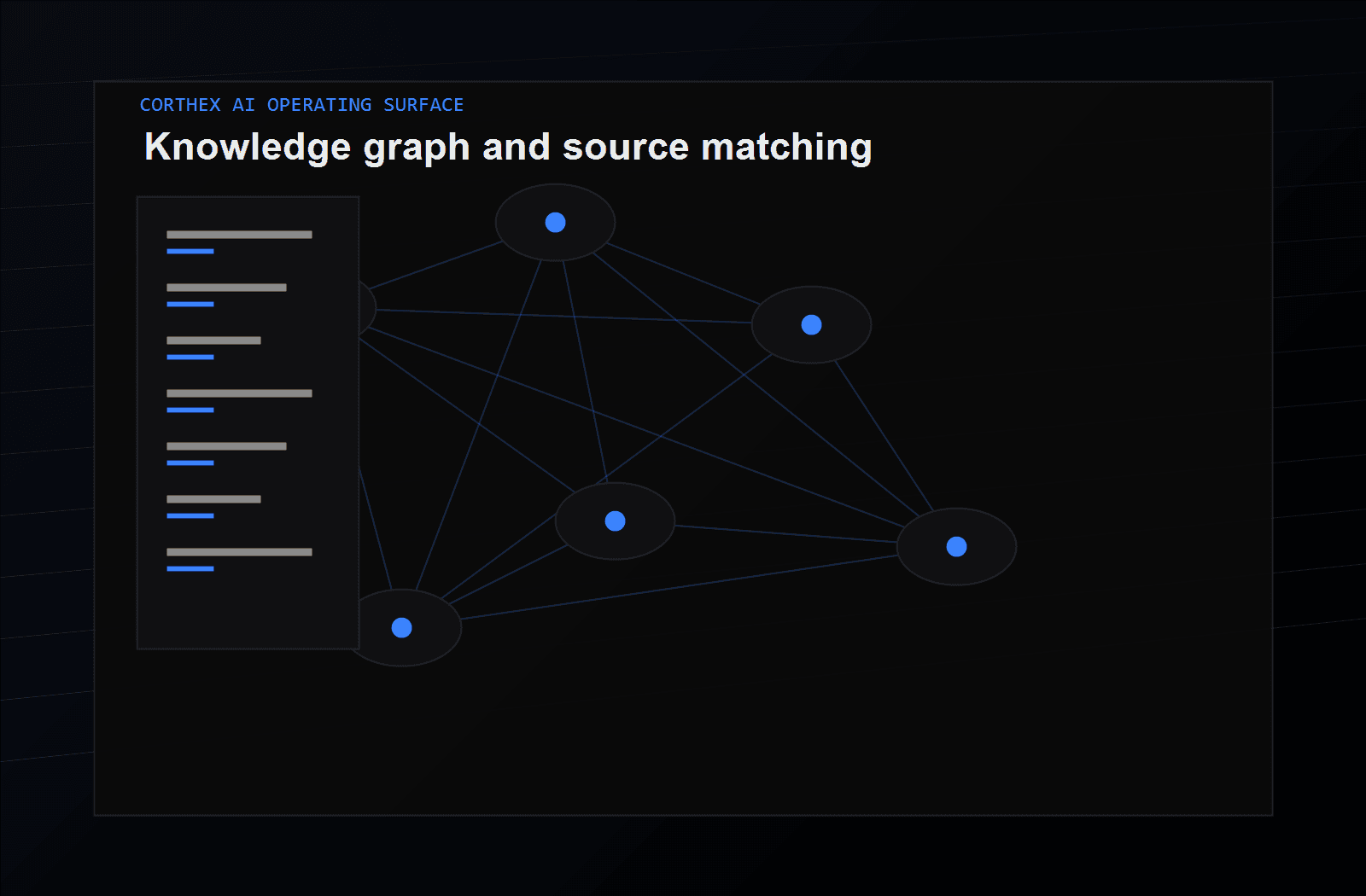
The visual layer stays simple; the operational context stays connected underneath.
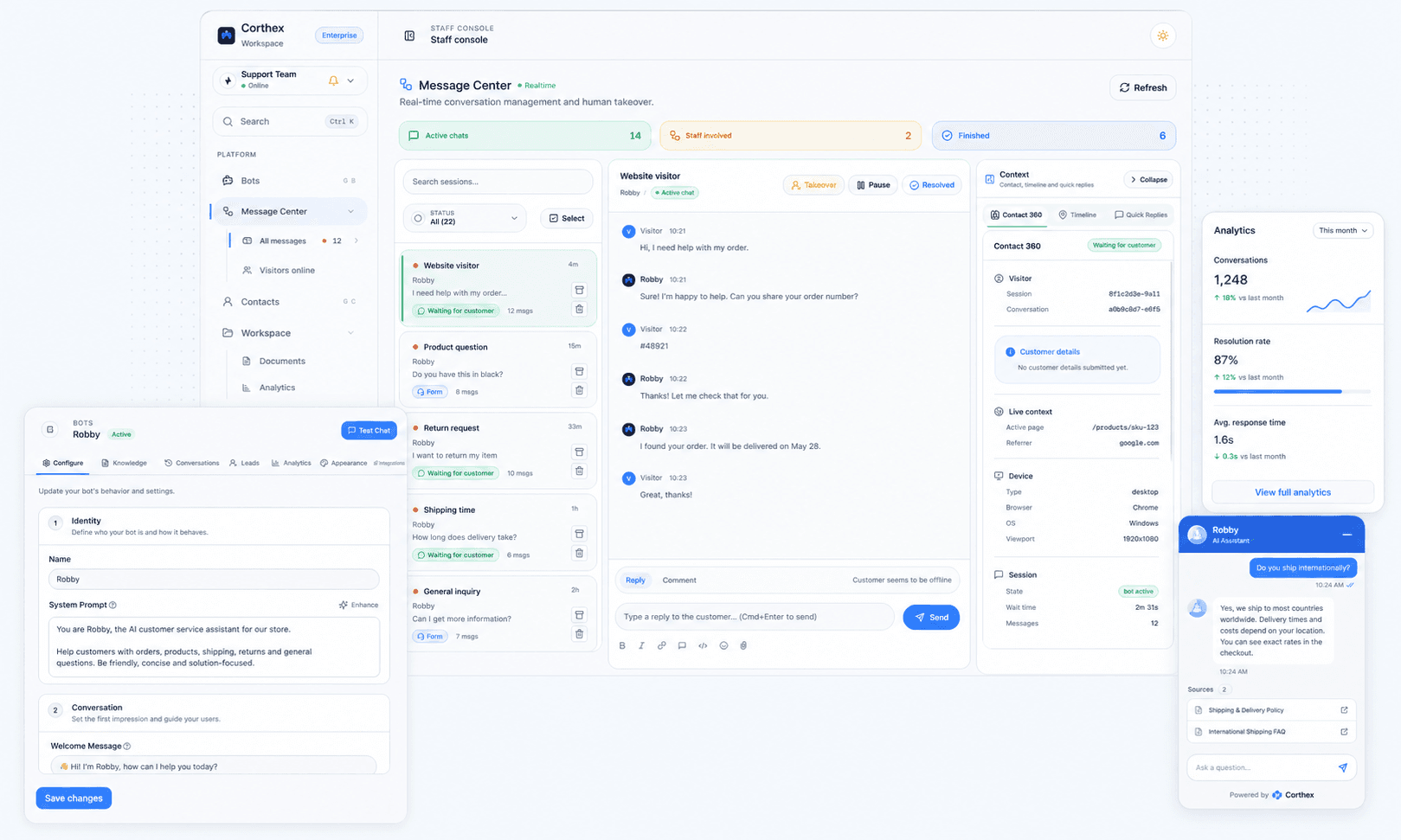
The Staff Console shows teammates who are currently active in Corthex, alongside their active and answered chats and stated availability. Teams get a clear signal of who is ready when a handoff needs attention, without leaving the conversation.
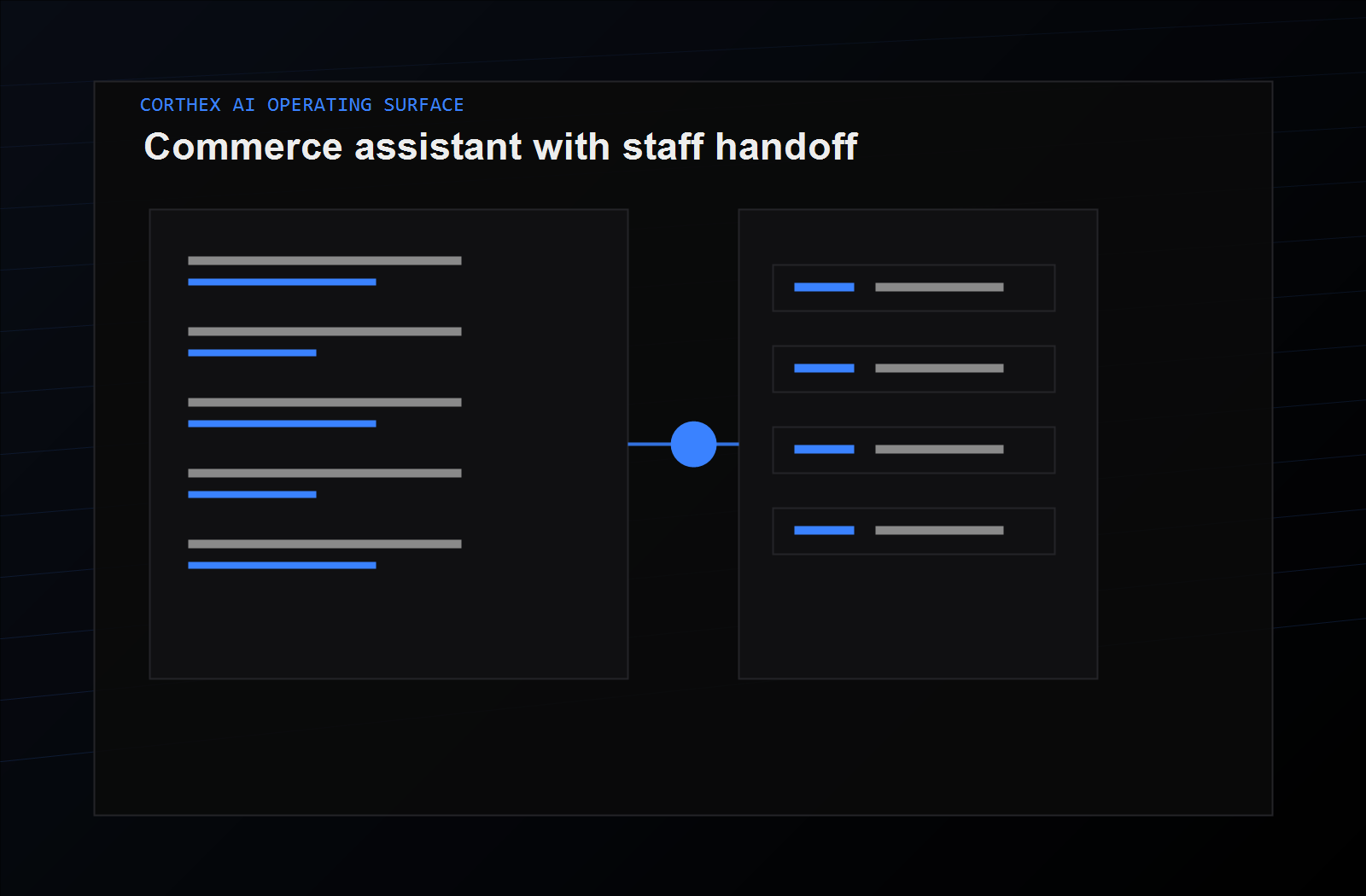
The visual layer stays simple; the operational context stays connected underneath.
Start with the embeddable chat widget, then extend into commerce, internal systems, and custom support flows when your team needs it.
The visual layer stays simple; the operational context stays connected underneath.
Capability index
Start with grounded answers, then add the operational surfaces your team needs as support grows.
Knowledge
Import documents, tables, structured data, URLs, policies, and product content. Corthex preserves table context so answers stay tied to the material your team approves.
PDF, DOCX, text, and Markdown · CSV, TSV, and Excel · XML, JSON, and URLs
Chat
A branded widget for customer questions, onboarding, product pages, and support journeys.
Embeddable widget · Suggested questions · Conversation memory
Staff coordination
The Staff Console shows teammates who are currently active in Corthex, alongside their active and answered chats and stated availability. Teams get a clear signal of who is ready when a handoff needs attention, without leaving the conversation.
Live team status · Active and answered chats · Availability at a glance · Presence across Corthex
Commerce
Support product, policy, and order-adjacent questions with page-aware context and commerce connectors.
WooCommerce · PrestaShop · Product context
Context
Use the active URL, page title, headings, product hints, and optional live lookup to reduce stale replies.
Page context · Live lookup · Localized starters
Operations
See what customers ask, which sources are missing, and where staff handoff improves the experience.
Top topics · Source gaps · Conversation metrics
Brand
Customize assistant names, widget styling, colors, welcome copy, and multi-brand deployments.
Bot branding · Widget styling · Live preview
Developers
Extend Corthex into custom apps, internal workflows, and external automation through documented interfaces.
Chat API · API keys · Webhook events
Getting started
A floating starter helper shows live progress as you name the assistant, add behavior instructions, and begin from a support or sales template. It keeps the next essential action clear without interrupting your work.
Live progress for the two essential setup steps · Support and sales starter templates · Context-aware next action, one click away
Messaging
For a new Instagram Professional connection, Meta setup securely handles separate login and inbound-message IDs automatically; you can also add WhatsApp Business credentials. Verified new connections start with delivery enabled and route customer messages to the right assistant and staff queue. On each message, the assistant receives the platform plus any public sender name or username and connected business account as reference data, so it can greet naturally without treating those details as instructions. Incoming Instagram images, video, audio, and supported files are stored securely for staff review in the Staff Console; staff can also send supported media through Instagram Direct and WhatsApp Business. Media never starts an AI auto-reply.
Instagram Professional login through Meta · WhatsApp Business connections · Public sender, business, and media context for faster triage · Send text and supported media with per-assistant delivery controls