
Corthex / Integration
Corthex integrations for every customer touchpoint.
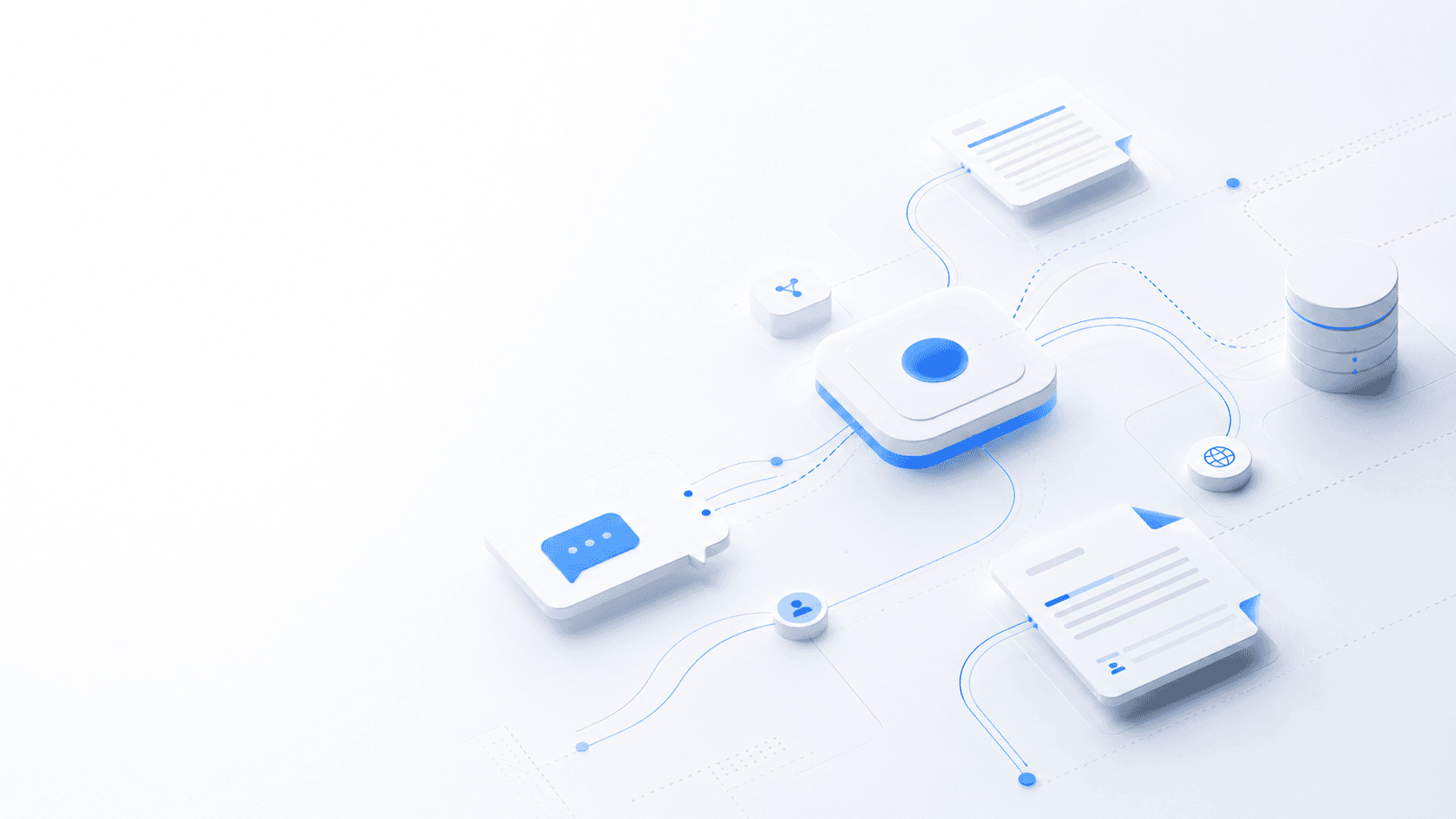
Corthex connects branded AI assistants to ecommerce stores, content sites, website embeds, staff workflows, and developer APIs so support answers stay grounded in the place where customers ask.
01
Surface
02
Context
03
Stream
04
Escalate
Page focus
Integrations
Corthex integrations
Direct answer
Corthex integrations
Connect the assistant to the site, store, or workflow customers already use.
Corthex connects branded AI assistants to ecommerce stores, content sites, website embeds, staff workflows, and developer APIs so support answers stay grounded in the place where customers ask.
Written for operators, agencies, developers, and ecommerce teams choosing where to deploy corthex. Search intent: Find Corthex integrations for stores, websites, and support workflows.
Install Corthex where customers already browse, buy, or ask for help.
Pass page, customer, cart, order, or conversation context into the assistant when the connector supports it.
Open the same conversations in Corthex Message Center for staff takeover and follow-up.
Use APIs, webhooks, and widgets when a custom surface needs a production integration path.
Install and connect
From platform install to Corthex Message Center.
Each integration page follows the same production path: connect the surface, pass useful context, and keep staff controls in Corthex.
Assistant
Corthex
Bot settings
Platform
Directory
Stores, sites, teams, and APIs
01
Choose the platform that owns the customer moment.
02
Connect a bot, widget, module, or API surface.
03
Operate conversations from one Message Center.
Integration depth
What Corthex can use once the connection is active.
Use the directory to choose the install path, then keep every customer conversation visible in the same Corthex support workspace.
Data 01
Storefront page and product context
Data 02
Known visitor or customer metadata
Data 03
Conversation and handoff status
Data 04
Knowledge sources, citations, and usage signals
Citable facts
Concrete signals without the noise.
Short facts make the page easier to scan for buyers, operators, and search systems.
Storefronts
PrestaShop, WooCommerce, and product-aware commerce flows
Websites
WordPress and universal website embed surfaces
Teams
Slack alerts, Message Center handoff, and staff console workflows
Developers
Widget script, REST APIs, streaming chat, webhooks, and commerce connectors
Workflow
From source coverage to controlled customer answers.
The Corthex operating loop stays consistent, while the emphasis changes by page intent and audience.
Step 1
01Choose the surface
Start with the system that owns the customer moment: a store module, WordPress site, universal embed, Slack workflow, or custom API integration.
- Use PrestaShop or WooCommerce for commerce-aware support.
- Use WordPress or Embed for content and service sites.
- Use Slack, APIs, and webhooks for operational workflows.
Step 2
02Link the assistant and data permissions
Connect a Corthex bot, choose what context the assistant may read, and keep write actions explicit so production support stays controlled.
- Keep customer and order lookup scoped to the active organization.
- Pass current page context into chat sessions.
- Route sensitive or high-intent questions to staff handoff.
Step 3
03Operate from the Message Center
Conversations, handoff state, contact context, and source-backed answers stay visible for the team that has to support customers after launch.
- Review conversations in Corthex Message Center.
- Tune bot settings and knowledge coverage from real demand.
- Expand the integration later with APIs or webhooks.
Directory
Start with the integration your visitor already touches.
Corthex treats integrations as customer context, not just install scripts. Store modules can bring commerce state into support, website embeds can carry page context, and team workflows can keep staff close to escalations.
- PrestaShop for Webservice-backed customer, cart, and order context.
- WooCommerce for product-aware storefront support.
- WordPress and Embed for lightweight website deployment.
- Slack, APIs, and webhooks for staff and developer workflows.
Operating model
Every connector lands in the same support control loop.
The public surface can change, but the operational model stays consistent: grounded answers, visible sources, staff takeover, conversation history, and measurable improvement from unanswered questions.
- Use a shared Message Center instead of scattered inboxes.
- Keep assistant behavior tied to bot settings and knowledge sources.
- Scale from no-code embeds to custom API integration without changing the support model.
FAQ
Questions this page should answer clearly.
Which Corthex integration should I start with?
Choose PrestaShop or WooCommerce for ecommerce stores, WordPress for content-managed sites, Embed for any website, Slack for team workflows, and the API or webhooks when you need a custom production integration.
What makes Corthex useful for AI chatbot integrations?
Corthex combines retrieval-augmented generation, source citations, embeddable chat, staff handoff, analytics, and APIs so teams can deploy assistants without losing control of answer quality.
Can Corthex answer from existing knowledge sources?
Yes. Corthex can ingest documents, URLs, and pasted text, then retrieve relevant chunks when a visitor asks a question. Storefront and widget flows can also include page context.
Can a human take over when the AI should not answer?
Yes. Corthex includes staff handoff workflows so support teams can pause the bot, continue the conversation, and preserve the full context for follow-up.
Does Corthex support developer integrations?
Yes. Corthex exposes API keys, REST endpoints, streaming chat, embeddable widgets, webhook-related workflows, and connector surfaces for production integrations.
Next
Prestashop
https://www.corthex.app/integrations/prestashop
Next
Woocommerce
https://www.corthex.app/integrations/woocommerce
Next
Wordpress
https://www.corthex.app/integrations/wordpress
Next
Embed
https://www.corthex.app/integrations/embed
Next
Slack
https://www.corthex.app/integrations/slack
Next
Api
https://www.corthex.app/features/api